CONFIRMED
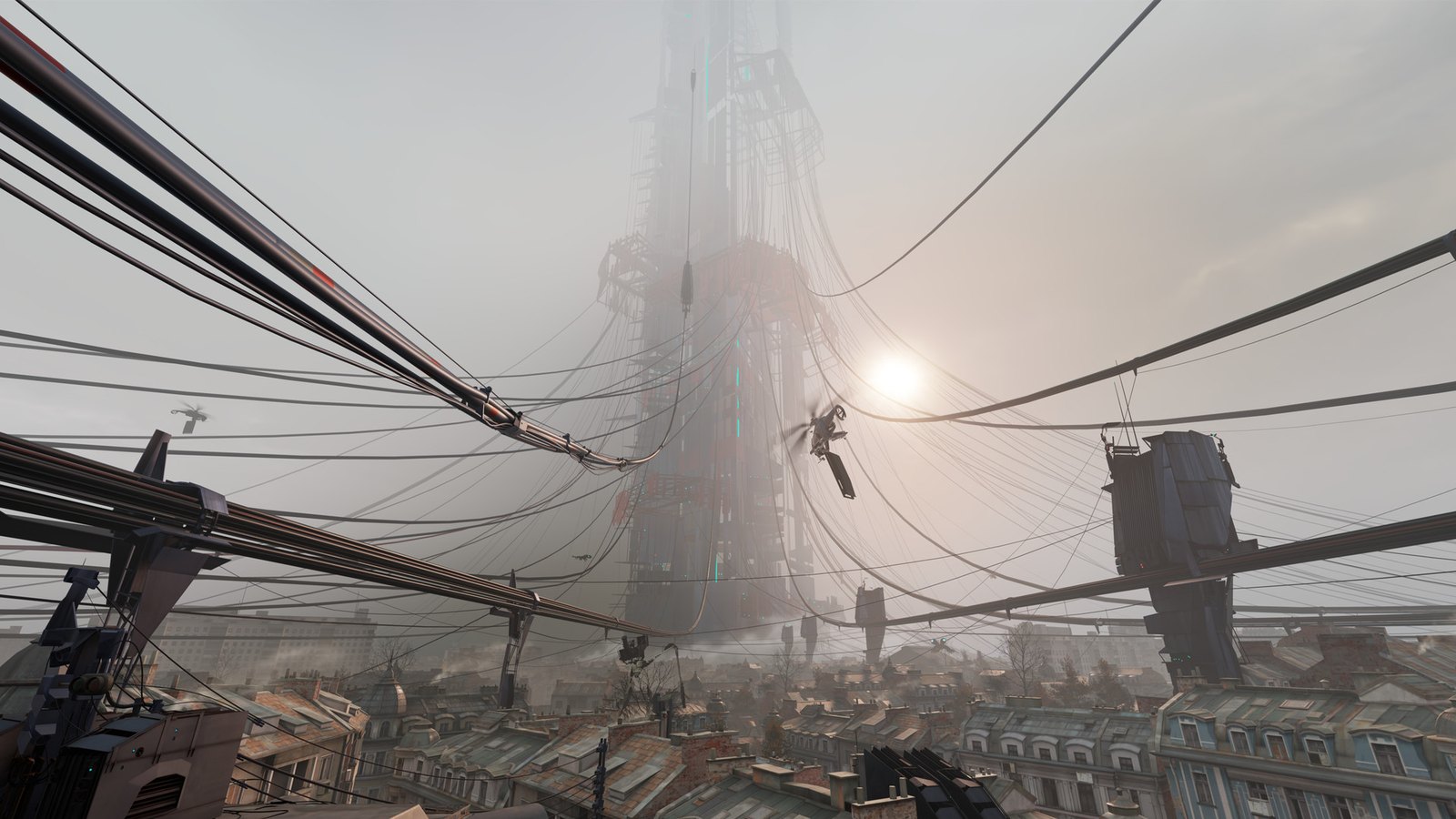
Valve has added optional foveated rendering to the PC version of Half-Life: Alyx, and you do not need its Steam Frame to use it. Mixed News reports the October 26, 2026 update also improves Steam Frame reprojection and fixes Workshop crashes. PC Gamer says the new toggle works with a range of PCVR headsets.
What we know
According to Mixed News, Valve’s October 26, 2026 patch adds optional foveated rendering to Half-Life: Alyx on PC. Reporting on Valve’s patch notes, the outlet says the option sits under Advanced Performance on supported hardware. Valve says it can improve rendering performance and recommends turning on headset eye tracking for the best results.
PC Gamer confirms the toggle lives in the settings menu of the PC version. It reports that support covers a range of PCVR headsets, so owning a Steam Frame is not a requirement. PC Gamer also points out that the game saw no major updates between 2022 and the Steam Frame port.
If you do own a Steam Frame, Mixed News says you should enable Eye Tracking in VR Settings and allow eye-tracking data sharing in the Steam Link settings on your PC.
The same patch includes a separate Steam Frame improvement. Mixed News reports that stencil-buffer tagging improves reprojection when the game runs natively on the headset. This is not the same feature as the new desktop toggle. The update also fixes a bug that stopped some players from unlocking the Gnome Alone achievement.
One correction: a minor site, hlcomic.com, gave the patch date as October 27. Mixed News and other coverage of Valve’s patch notes put it at October 26, 2026.
What we don’t know yet
The big question for most players is whether their own headset works. A Steam Community guide titled “Foveated Rendering on PC” says the feature can be enabled with any VR headset. It lists SteamVR eye-tracking drivers for Steam Link on Steam Frame, Quest Pro, VIVE Focus Vision, Play For Dream MR, Galaxy XR and Pico 4 Pro/Enterprise, plus Virtual Desktop, Bigscreen Beyond 2e, and Oasis on the HP Reverb G2 Omnicept. The guide is bylined “mbucchia,” the handle of Matthieu Bucchianeri, a Valve employee.
vr.org reports the guide covers thirteen headset families, one of them Valve’s.
PSVR2 owners are in the dark. Valve’s patch notes reportedly do not mention PlayStation’s headset, although VGTimes reports the guide lists PS VR2 among compatible headsets. Whether its eye tracking actually works with this setting on PC remains unconfirmed.
GPU requirements are also shaky. Secondary sites citing Valve’s notes say DirectX users need an NVIDIA GTX 16-series or RTX 20-series card or newer, and that AMD cards need the -vulkan launch option. None of our approved sources has confirmed this.
Finally, how much GPU load does it save? Valve has reportedly not published a numeric frame rate gain. The only official line, via Mixed News, is that performance “can” improve.
What it means
This is a smart move from Valve. Foveated rendering was reportedly a key ingredient of the Steam Frame port, with secondhand reports quoting Valve calling it a “silver bullet.” Bringing it to desktop means the wider PCVR crowd gets the benefit too, not just people who bought new Valve hardware.
The practical catch is eye tracking. Valve recommends it for best results, and most consumer PCVR headsets do not have it. If your headset tracks your eyes and has a working SteamVR driver, this toggle is worth testing first. If it does not, check Advanced Performance anyway, but keep expectations modest until real benchmarks arrive.
Until Valve or a trusted outlet publishes hard numbers, the real performance gain will come down to your hardware, your driver and some testing of your own.
Follow every development in one place on our VR headset tracker.